Laser Cutting

Online tools

An overview of browser-based generators that quickly create files for laser cutting. This page is inspired by Maker Design Lab's collection, written for FabLab users.

Free web tools SVG, DXF and PDF Ready for FabLab

What are online file generators?

Online file generators are websites that automatically create vector files based on the dimensions and settings you enter. They are a quick path to boxes, gears, mazes and other geometric designs without starting from scratch in CAD.

Most tools are best for prototypes and quick iterations. Always check dimensions, joints and kerf in a test file before using expensive materials.
Boxes

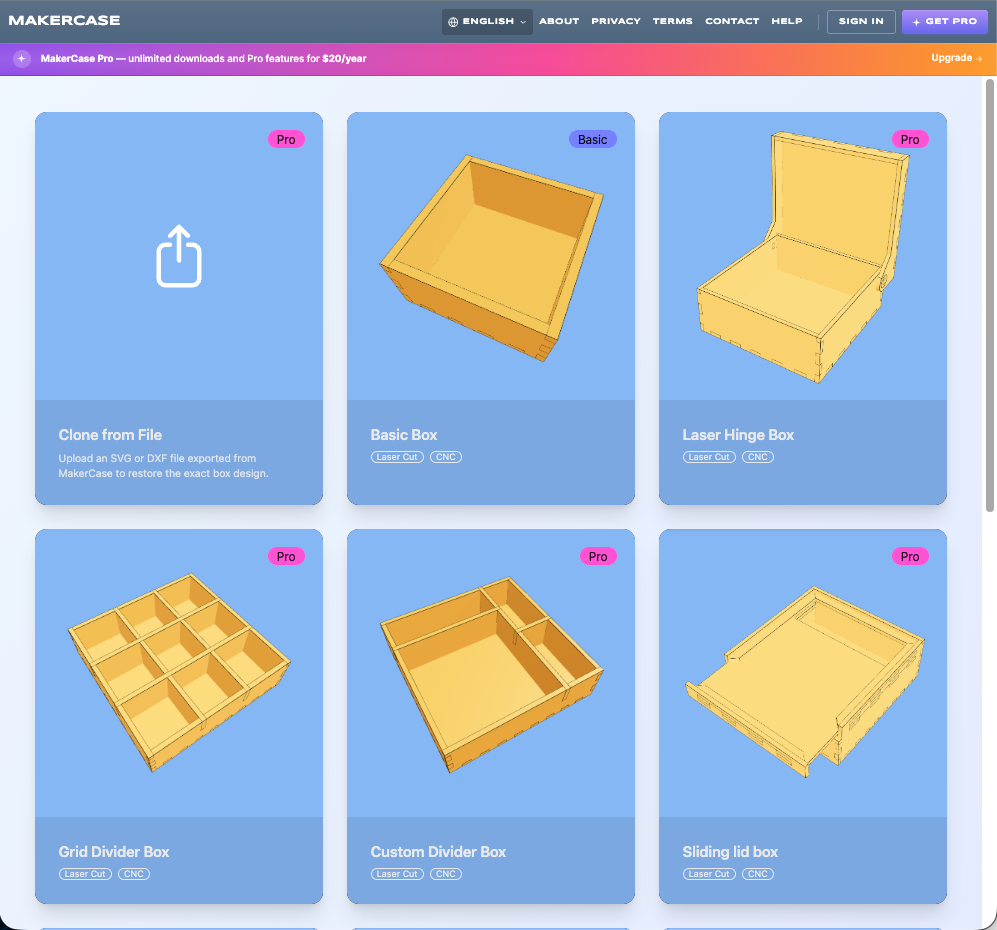
Tools for boxes with finger joints, insert compartments and special shapes.

Simple generator for classic project boxes with 3D preview. Great for quick starts.

File type: SVG, DXF

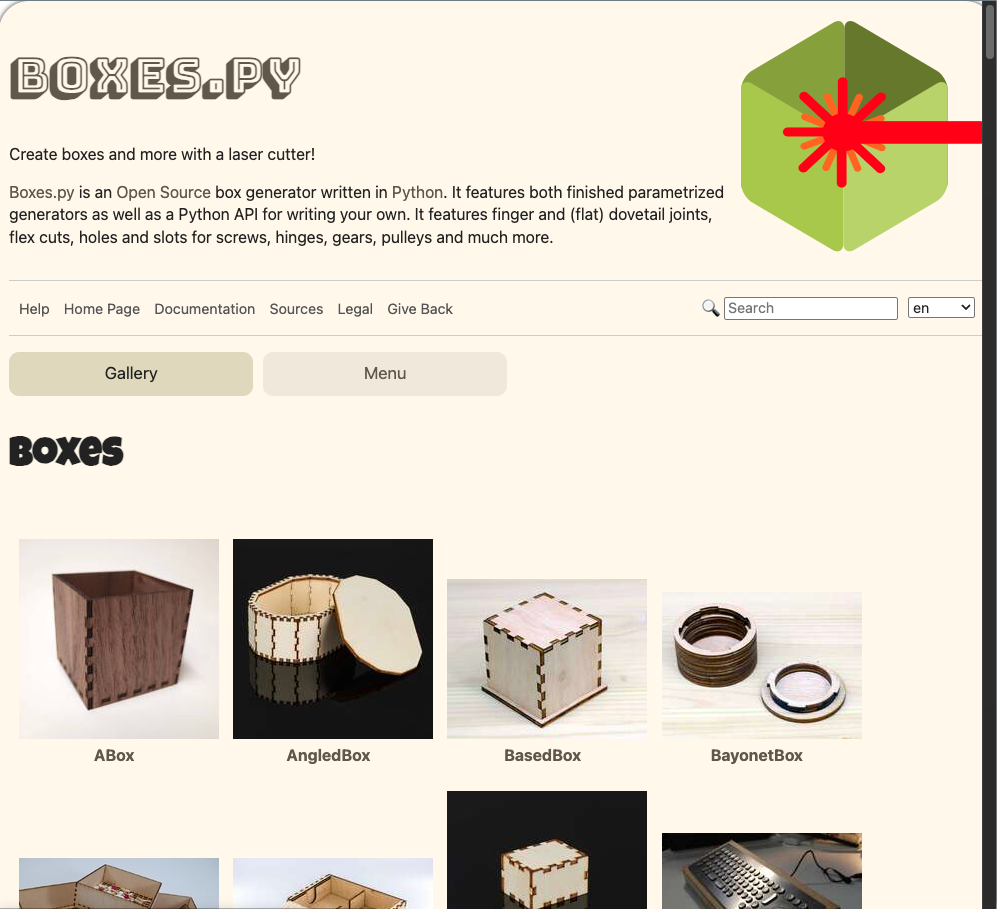
Very flexible open source generator with many box types and advanced settings.

File type: AI, DXF, GCODE, PDF, PLT, PS, SVG

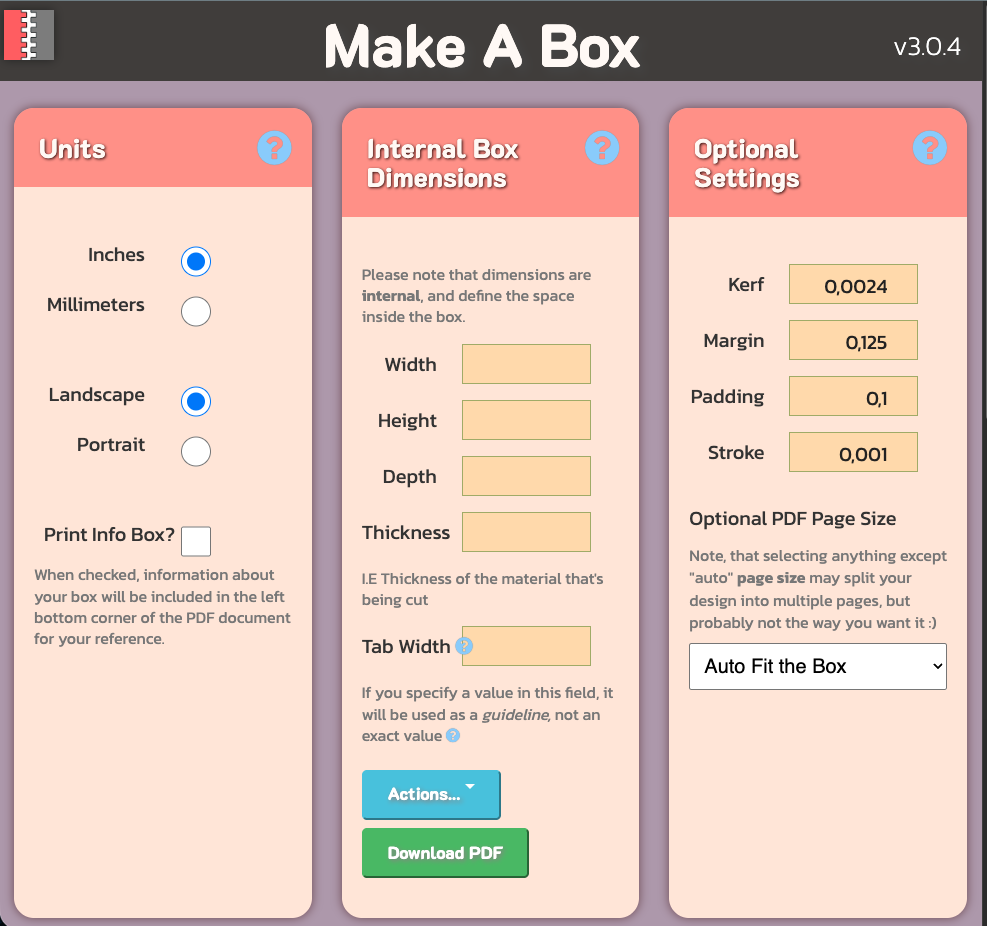
A simple and intuitive generator for boxes with symmetrical finger joints.

File type: PDF

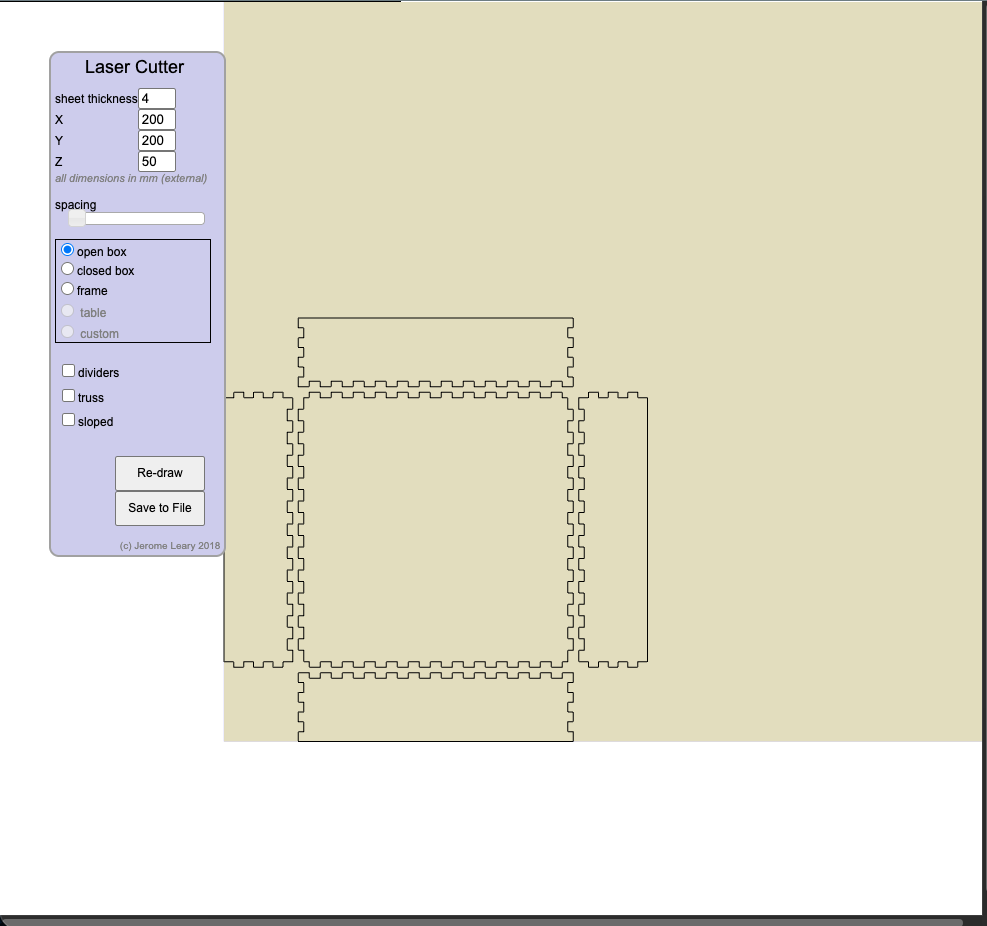
Lightweight generator with live preview and different box types, including angled sides and dividers.

File type: DXF

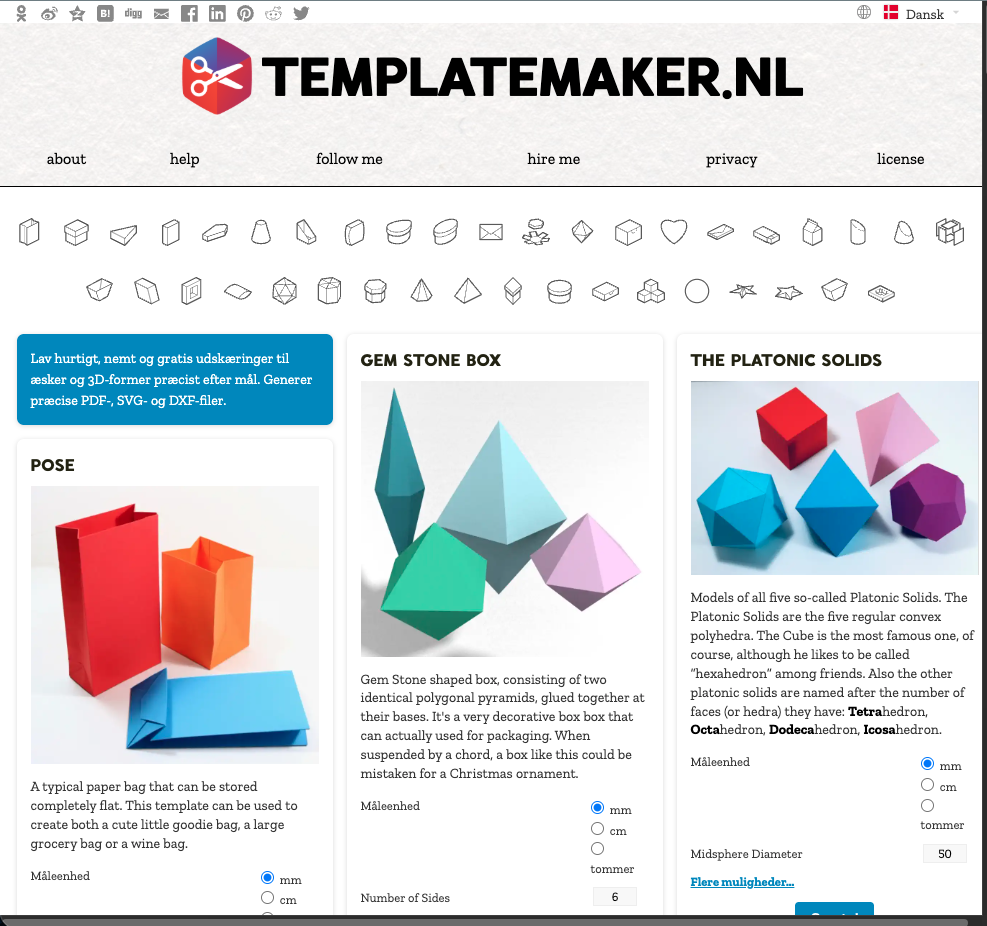
Focus on cardboard and packaging templates. Good for folded constructions and quick mockups.

File type: PDF, SVG, DXF

Gears

Tools for involute gears, where function and geometry are important.

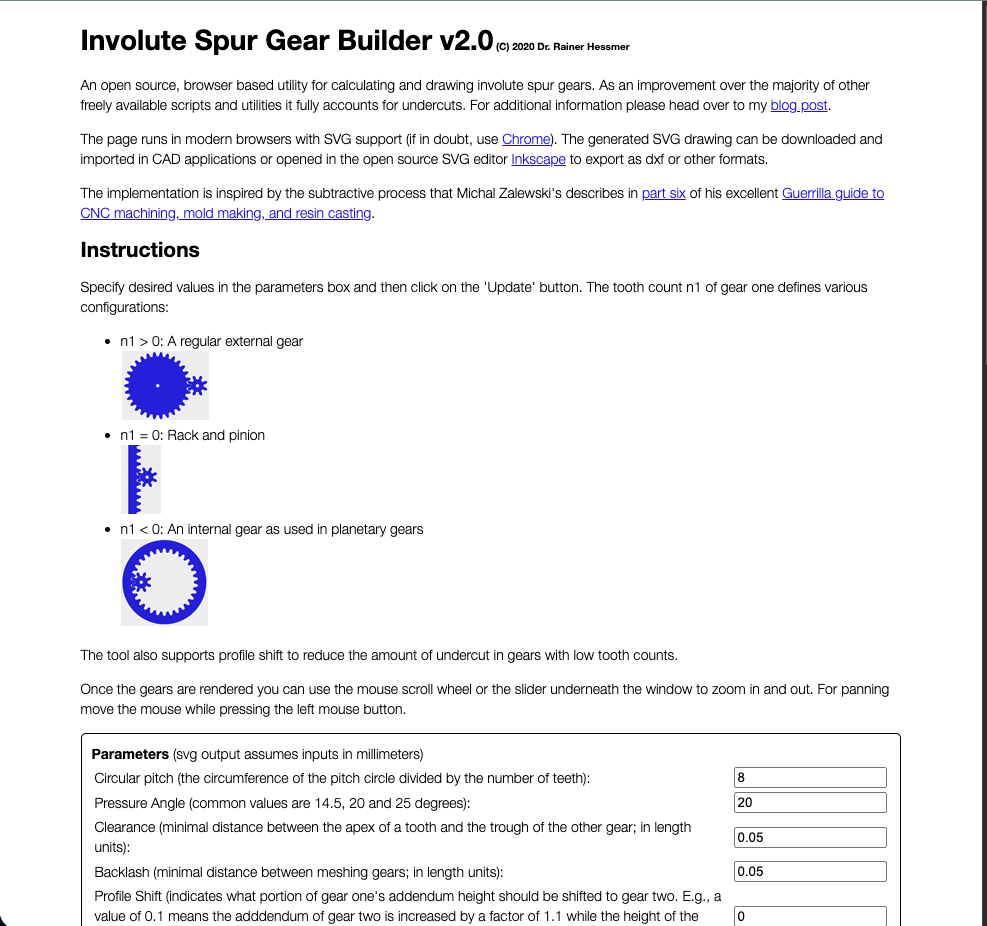
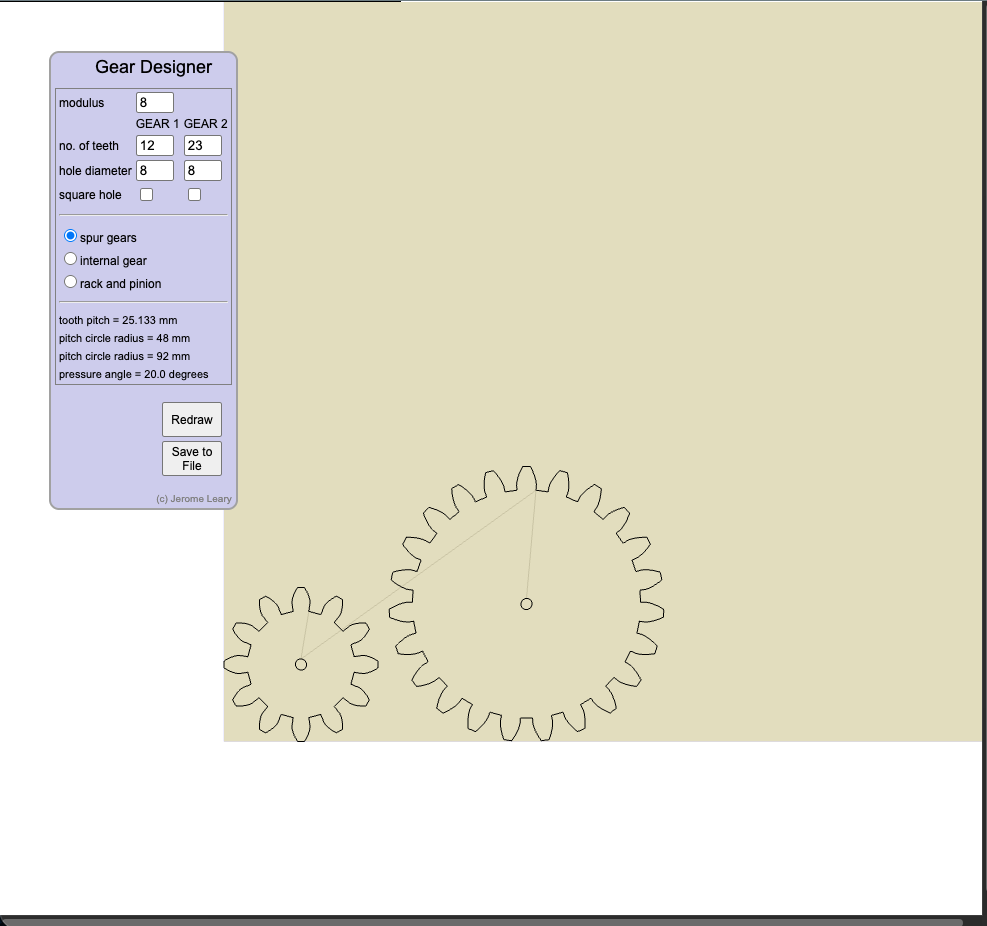
Browser tool for gears, internal gears and rack-and-pinion with many parameters.

File type: DXF

Quick generator for simple gears by adjusting module and number of teeth.

File type: DXF

Mazes

Generators for puzzles, game boards and creative mazes.

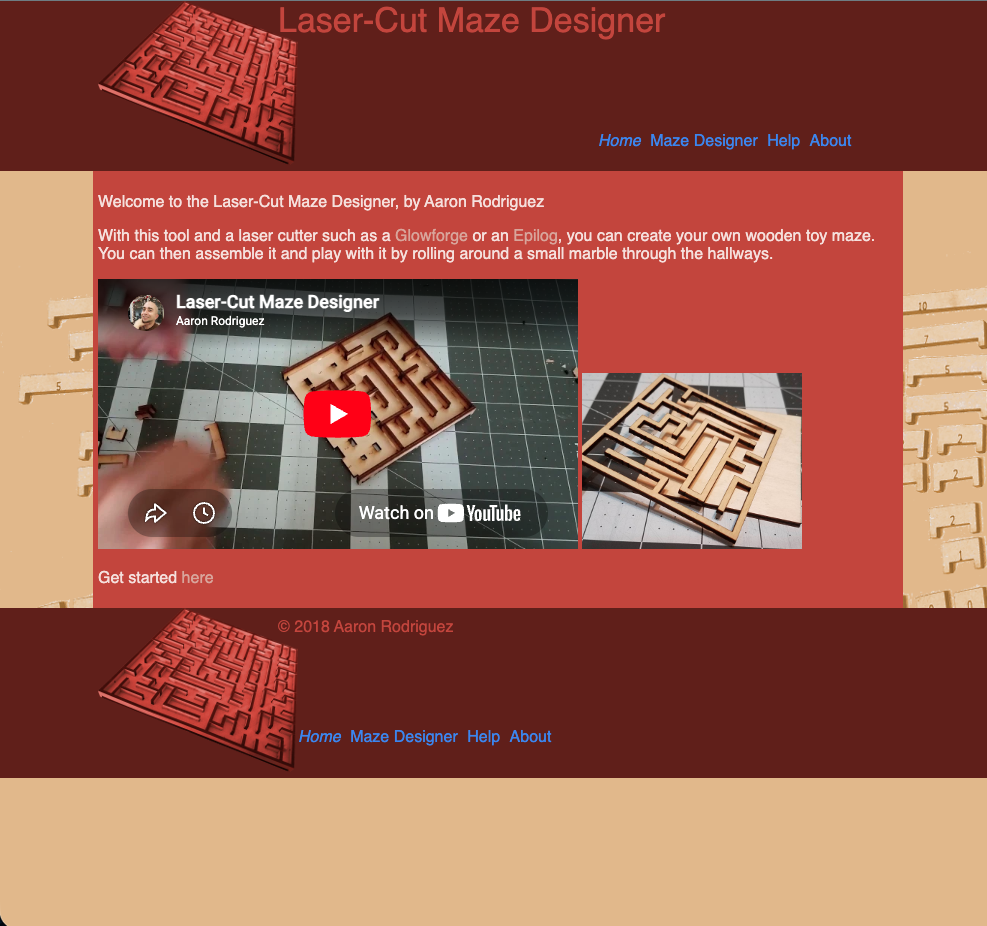
Generates laser-ready files for wooden mazes and mechanical maze projects.

File type: SVG

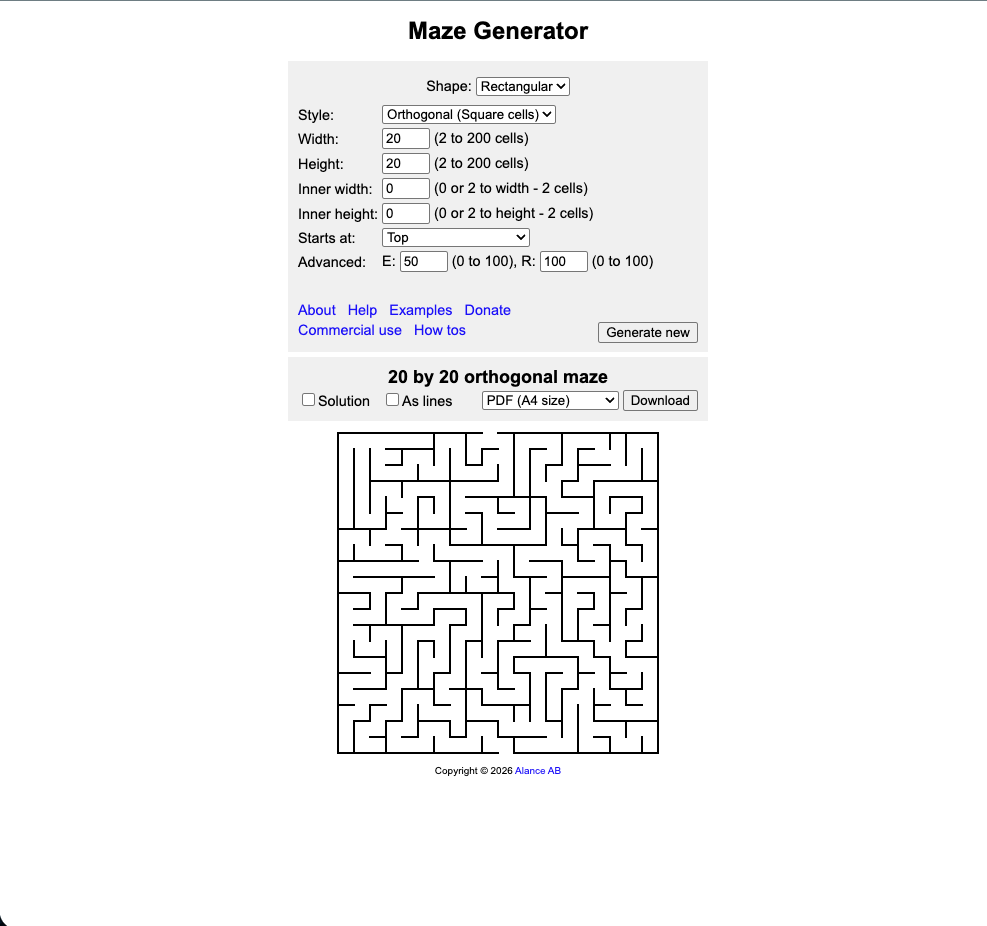
Builds rectangular, triangular, circular and hexagonal mazes.

File type: PDF, SVG, PNG

Other tools

Special generators that don't fit in the other categories.

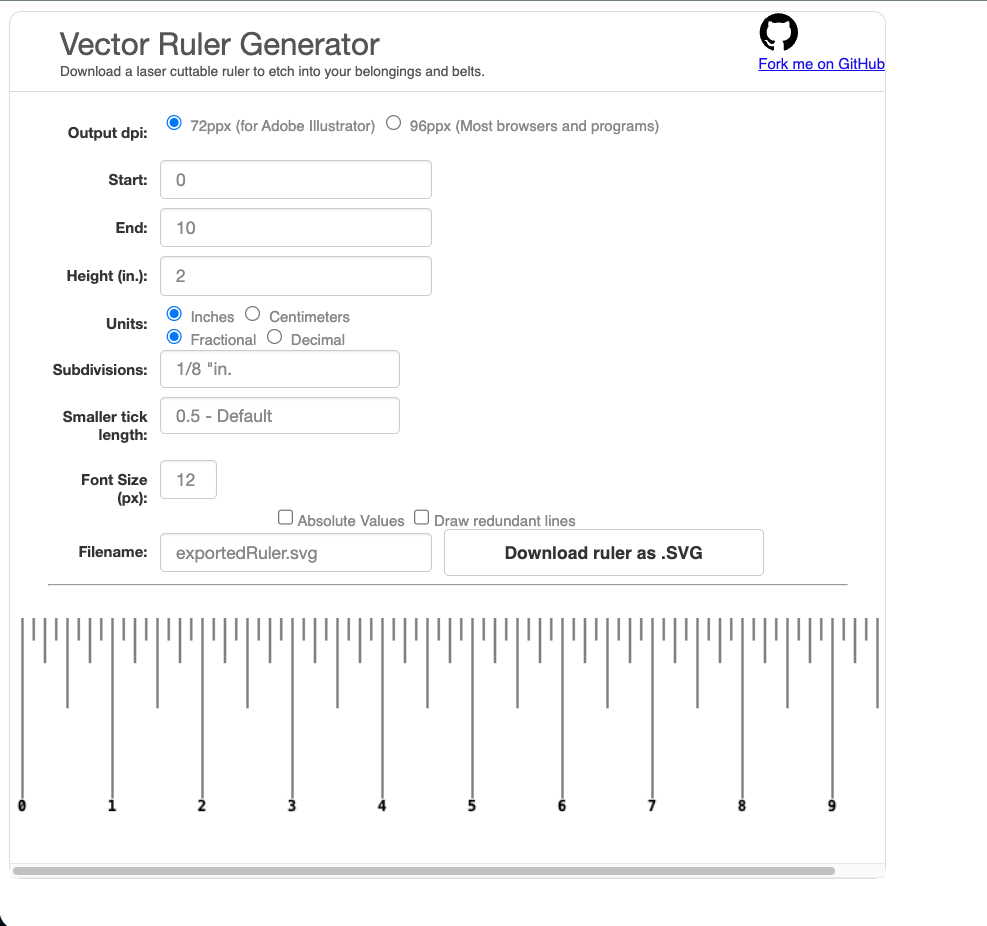
Create your own rulers with optional length and markings.

File type: SVG

Generates jigsaw puzzle patterns without manually drawing each piece.

File type: SVG

Automatic nesting, so parts are placed with minimal material waste.

File type: SVG (import/export)

Desktop version with more advanced nesting functions.

File type: Depends on import format